





NewStudio Unlimited ∞ — Unlimited Studio WAV downloads are here
Studio Unlimited ∞ — save your precious Suno download credits by auto-exporting your Studio tracks as WAV files straight into your Tune Seeder library
Brand new

Brand New with Studio Unlimited ∞

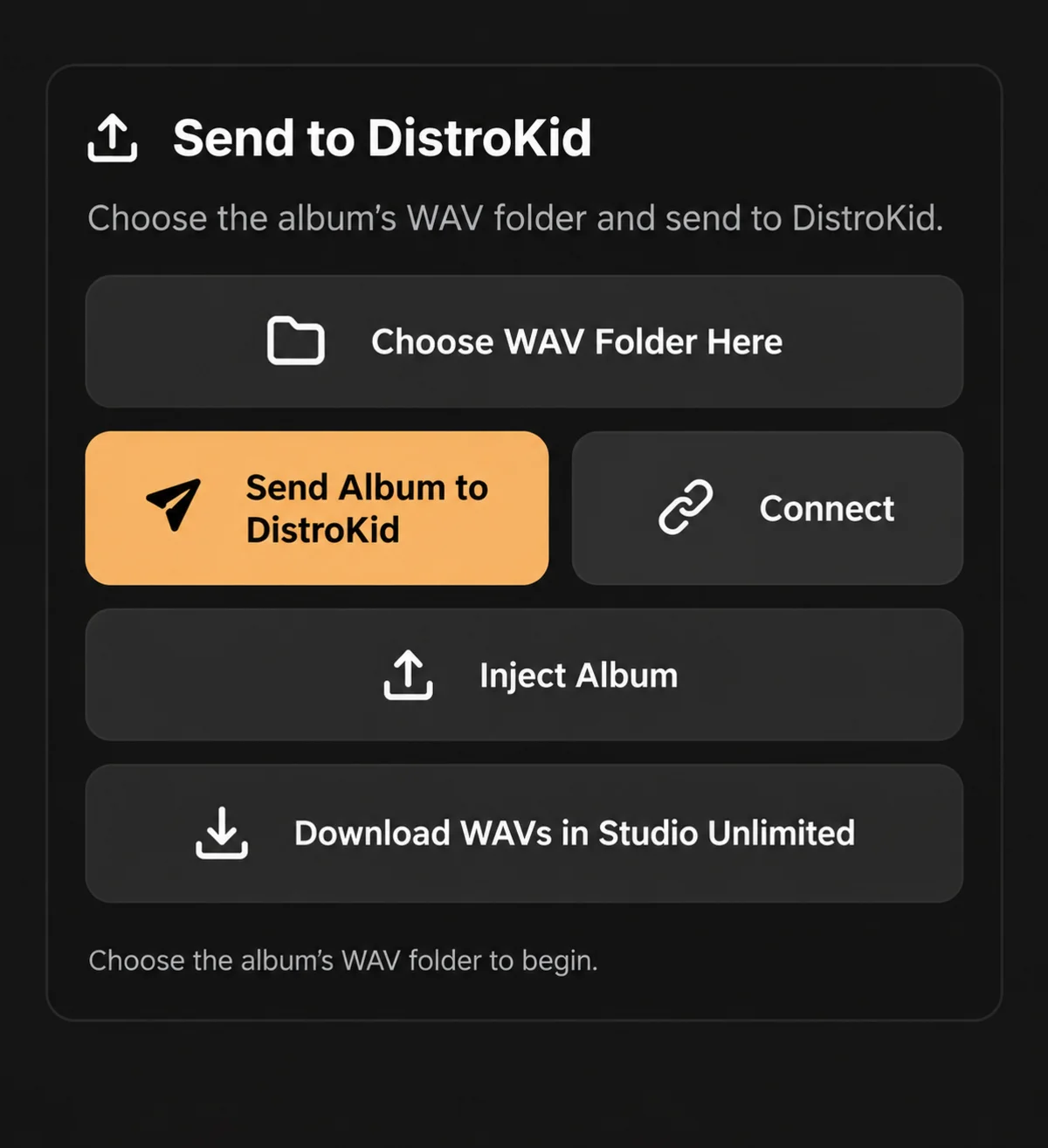
Upload your album to DistroKid with one click, straight from Tune Seeder

Requires Suno Premier. Tune Seeder is independent and not affiliated with Suno.

Tune SeederforSUNO

Create more music. Repeat less work.

Batch prompts, automate repetitive creation steps, organise albums and streamline your Suno workflow.

Tune Seeder tutorial demo

Introduction

Everything you need in one workspace.

Stop jumping between browser & tabs

Tune Seeder brings your entire Suno workflow together in one powerful desktop application, helping you spend less time managing songs and more time creating music.

Multiple accounts

Switch between your Suno logins.

If you work across multiple Suno accounts, Tune Seeder lets you quickly switch between them while keeping each account’s projects organised.

How Tune Seeder works

Step 1

Browse Suno

Search or browse Suno to discover songs and send them to Tune Seeder.

Step 2 — Prompt Your Playlist

Prompt Your Playlist

Paste your lyrics with matching styles, then generate when you're ready.

Step 3 — Tag Flow

Quick prompt customisation and pasting.

Build the perfect prompt in seconds. Add, remove and reorder sections with a single click.

Step 4 — Auto generate

Let Tune Seeder handle the repetitive work.

Generate your songs one after another with configurable timing between each step.

Step 5 — Suno Library

Access your Suno Library instantly.

Open your playlists, songs and albums from inside Tune Seeder.

Step 6 — Organise artist projects

Keep every project organised.

Create Artist Projects, colour-code them and drag albums between artists.

Step 7 — Perfect your album

Fine-tune every release.

Audition songs, change the running order and replace individual tracks.

Step 8 — Downloads

Set destination folder and download as ZIP or folder.

Choose where your files go and how they're packaged.

Step 9

Copy Titles and Timestamps for Distribution.

Get a clean list of your song titles with timestamps—ready to paste anywhere.

Studio Unlimited tutorial

Studio Unlimited — make more music, faster with auto WAV export from Suno Studio

Studio Unlimited Tutorial

Studio Unlimited Step 1

Studio Unlimited Step 2

Studio Unlimited Step 3

Studio Unlimited Step 4

New in v1.0.5

Your Album. DistroKid. One Click.

Send your completed album straight to DistroKid. Tune Seeder transfers your WAV files and track titles automatically.

Send your album to DistroKid with one click from Tune Seeder

Pricing

Try Tune Seeder FREE for 3 days

Full access. No charge for 3 days. Cancel anytime. Add Studio Unlimited ∞ when you want unlimited Studio WAV export.

3-day free trial
Tune Seeder app icon

Tune Seeder

Full access to the complete Suno workflow toolkit.

$0 today

Then $9.99/month

Billed monthly. Cancel anytime.

NEW — Your first paid month of Standard includes 30 days of Studio Unlimited FREE

After your first successful Standard payment, enjoy Studio Unlimited features for 30 days at no additional cost. Then you’ll automatically return to Standard unless you choose to upgrade.

  • Super load your Prompts
  • Auto-generate your entire prompt list with pause and resume
  • Built-in Suno Browser
  • Artist Projects with album and playlist organisation
  • Audition songs, reorder, lock album order, replace songs
  • Reload missing songs and batch download completed songs
  • Copy titles with or without timestamps

Tune Seeder is an independent third-party application and is not affiliated with or endorsed by Suno.

Start 3-day free trial

3 days free, then $9.99 per month. Payment method required. Cancel anytime.

Studio Unlimited ∞

Unlimited Studio WAV Auto-Export

Save your Suno download credits. Auto-export WAVs from Studio.

$12.99

/month

  • Unlimited Studio WAV Auto-export while your Suno Premier plan is active
  • Keeps your Suno download credits for the work that needs them
  • Batch WAV export across an album or playlist in one pass
  • Straight into your Artist Project folders, correctly named and ordered
  • Everything in Tune Seeder included

Requires your own Suno account with Suno Premier for Studio WAV export. Tune Seeder is an independent third-party application and is not affiliated with or endorsed by Suno. This is not unlimited Suno song creation.

Already subscribed to Tune Seeder? Studio Unlimited ∞ is an upgrade to your existing subscription — you will not be charged for a second plan.

No unlimited Suno song creation is implied. A Suno account is required to use the workflow features, and Suno Premier is required for Studio WAV export.

FAQ

Questions, answered plainly

If something here is unclear before launch, get in touch through Support.

Spend less time organising.
Spend more time creating.

Subscribe to Tune Seeder for $9.99 per month and transform your Suno workflow.

What other features would you like to see?

Have an idea that could improve Tune Seeder? Tell us what would make your workflow easier.

0/1000